Publishing Jekyll Articles from an iPhone
February 5, 2026
This site is built using Jekyll and GitHub pages. I’ve recently started writing articles on my phone, using Obsidian, but my publishing workflow involved me jumping on my laptop and publishing the post using Cursor and Git.
Some quick research revealed they are many options for CMS that can integrate with Jekyll based sites, I decided to try https://pagescms.org as the set-up sounded simplest and I liked the fact it’s open source and didn’t require me to configure a server.
Getting started is fairly straightforward, you log-in to Pages CMS with your GitHub account, give it access to the repo and install their integration on GitHub. Pages CMS needs a configuration file, to know how to work with Jekyll, I had Google Gemini create this for me. Then boom I was ready to go!

Initial impressions are good, the editor can be a little bit fiddly on the iPhone in particular adding in links. In particular, the image support is surprisingly good and easy to use.
The main thing is this has made it significantly easier for me to edit and update articles which is exactly what I was looking for. If you want to do something more; make it easy to do.
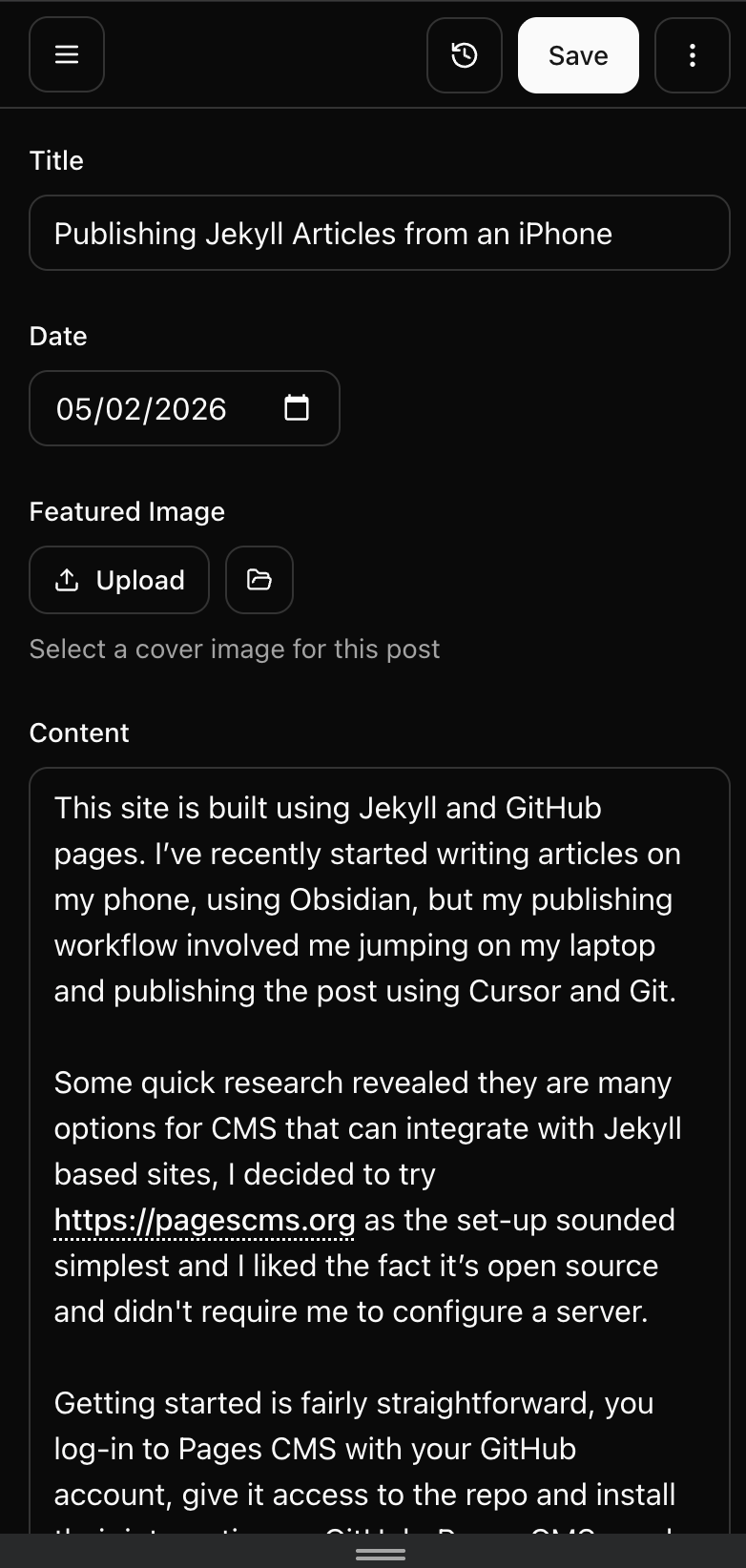
Below a very meta screenshot of the UI in Page CMS for me editing this post.
If you'd like to contact me then you can email writing@petegraham.co.uk.